Image Editing and Background Replacement Workflow
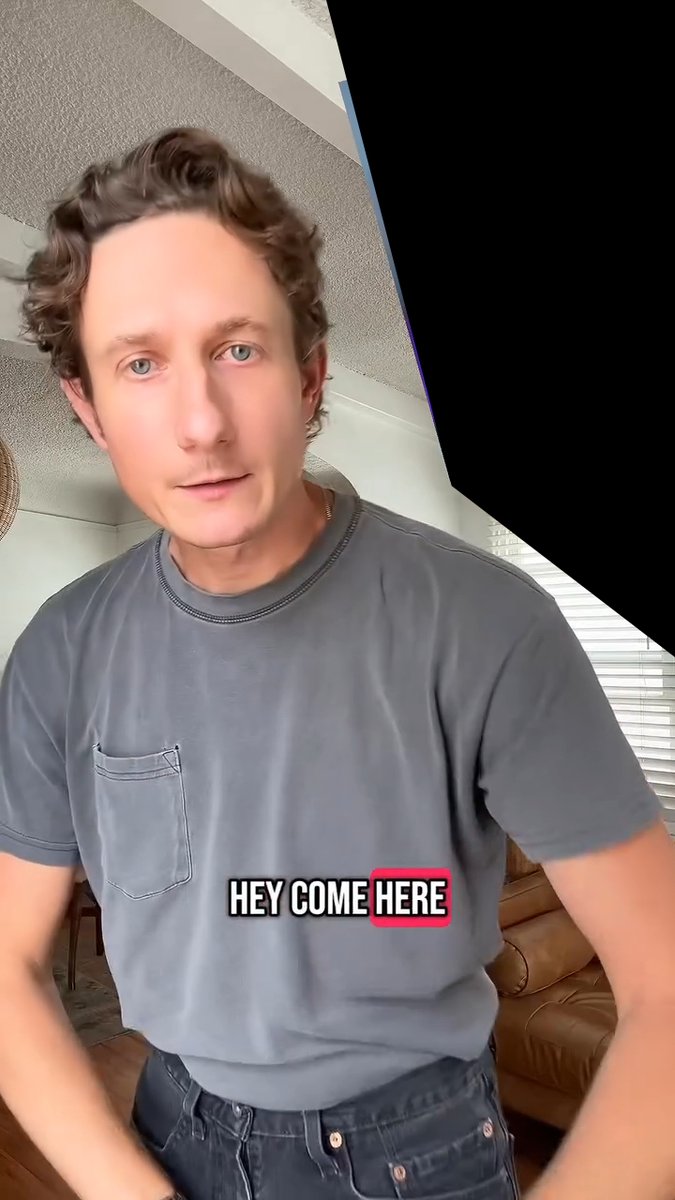
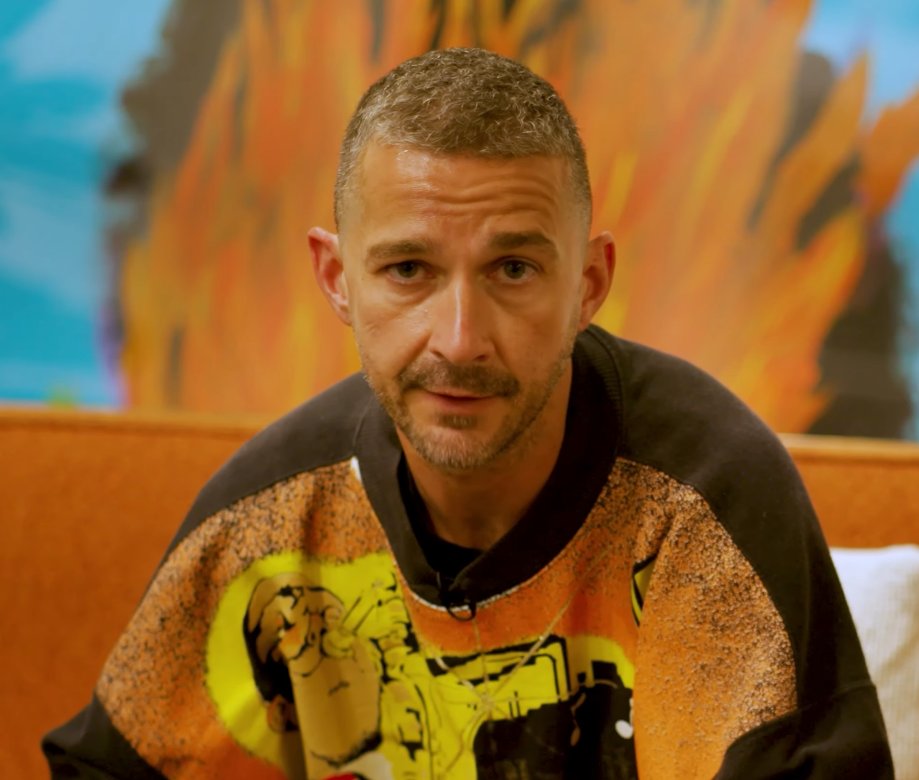
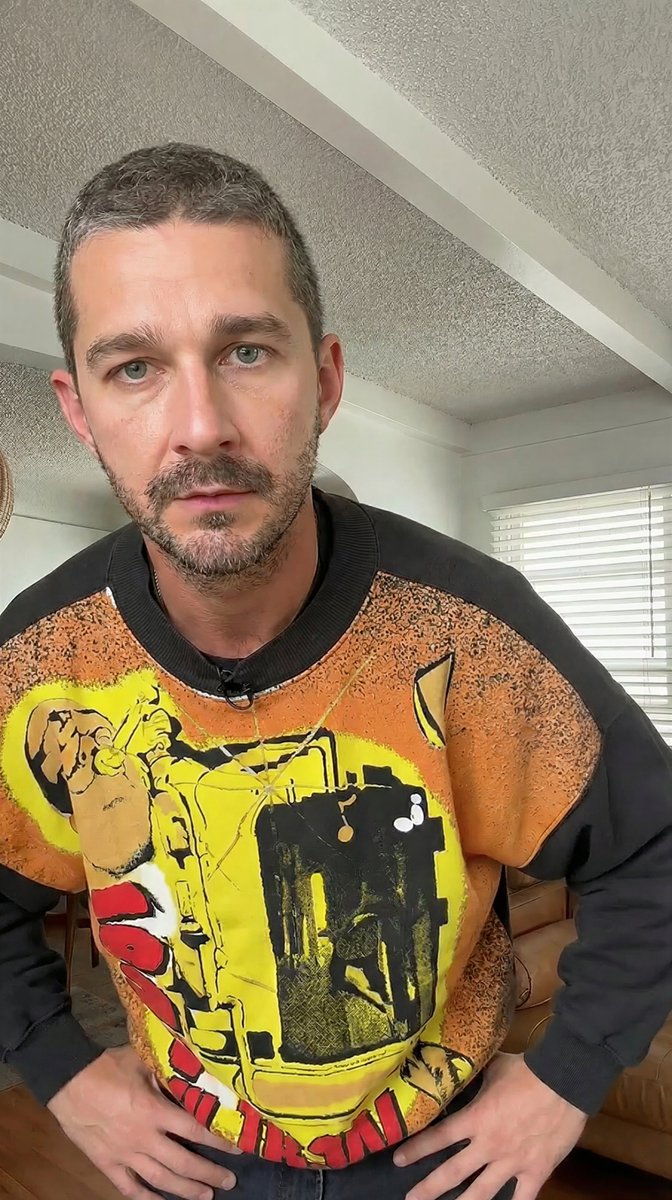
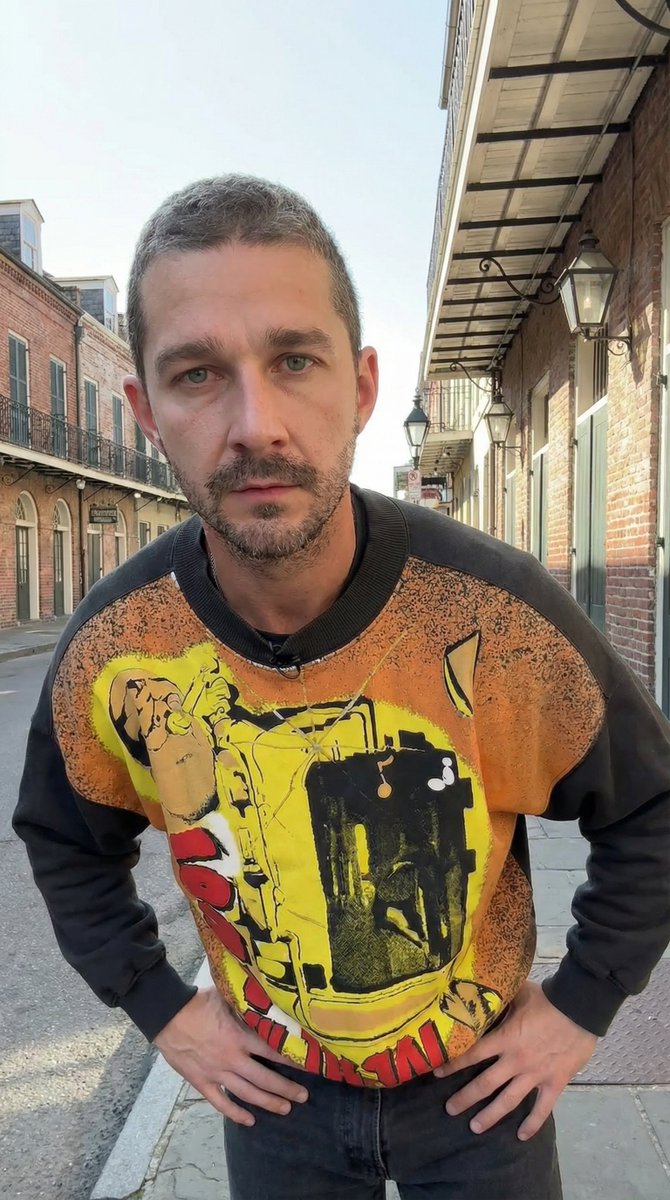
A two-step workflow demonstrating how to use Nano Banana Pro for image editing. The first prompt replaces a person in an image with a person from a second image while maintaining the pose. The second prompt uses the resulting image as input to change the background location and adjust lighting and perspective accordingly.
Prompt
Replace the grey shirt man in image 1 with the orange sweater man from image 2. Match the exact pose from image 1 Remove the caption text "HEY COME HERE" Remove the black from the …
Premium Prompt
Upgrade to Pro to unlock this prompt and all 14,000+ creative recipes.
Details
Similar Prompts

Photorealistic Editorial Portrait with Reference Lock
A highly structured prompt for generating a photorealistic editorial portrait (head and shoulders) that strictly locks t…
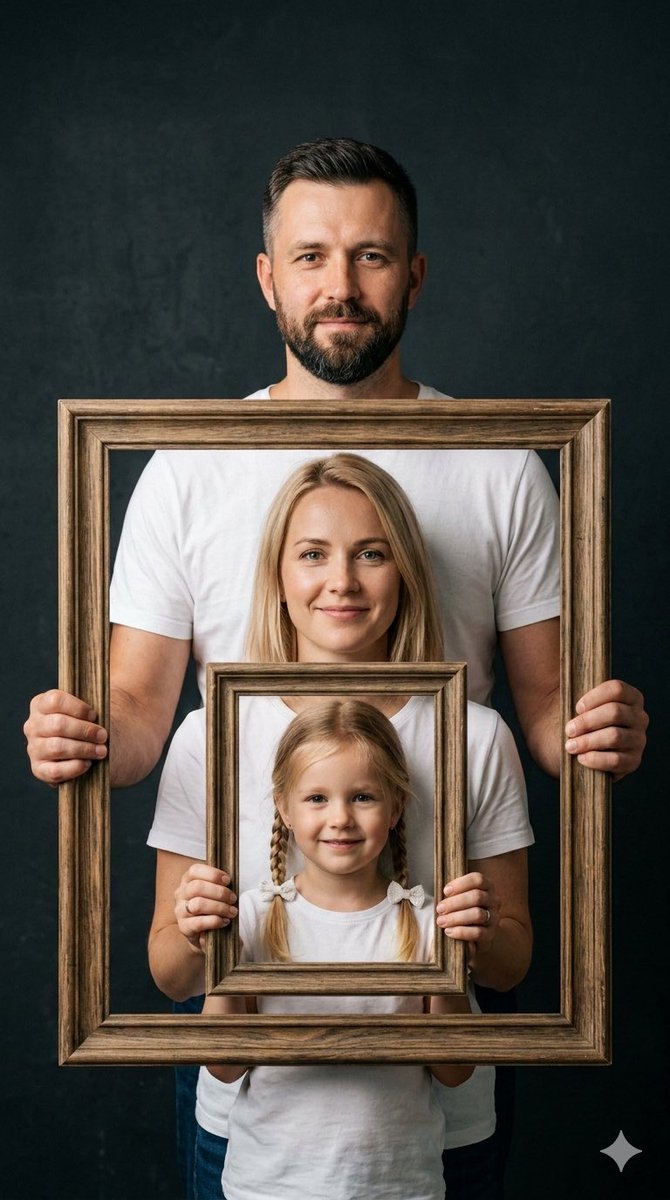
Creative Family Studio Photograph Prompt
A photorealistic image prompt for Nano Banana Pro designed to create a creative family studio portrait using a nested co…
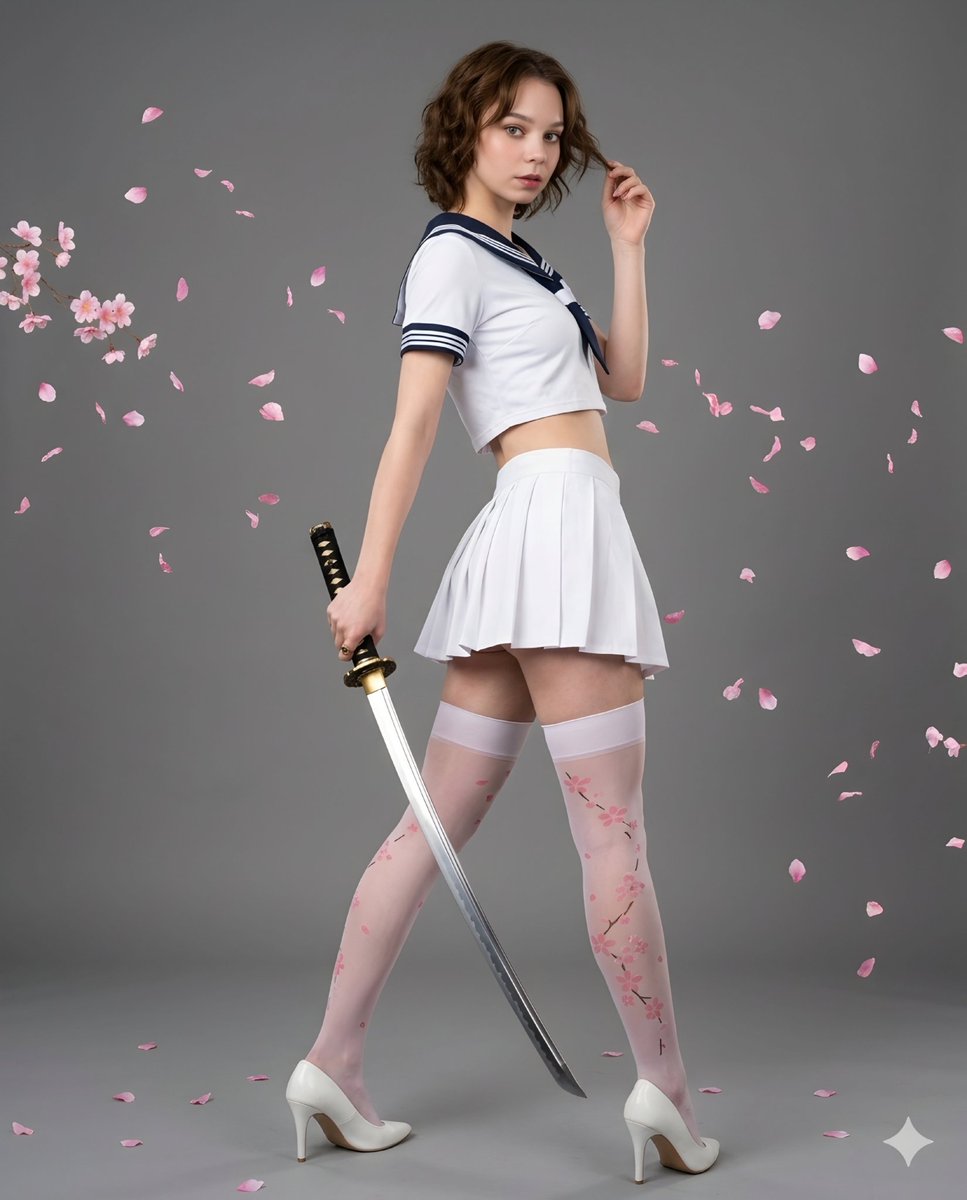
Samurai Style Sailor Fashion Portrait
A striking fashion-oriented prompt combining traditional Japanese katana weaponry with modern sailor-style streetwear in…
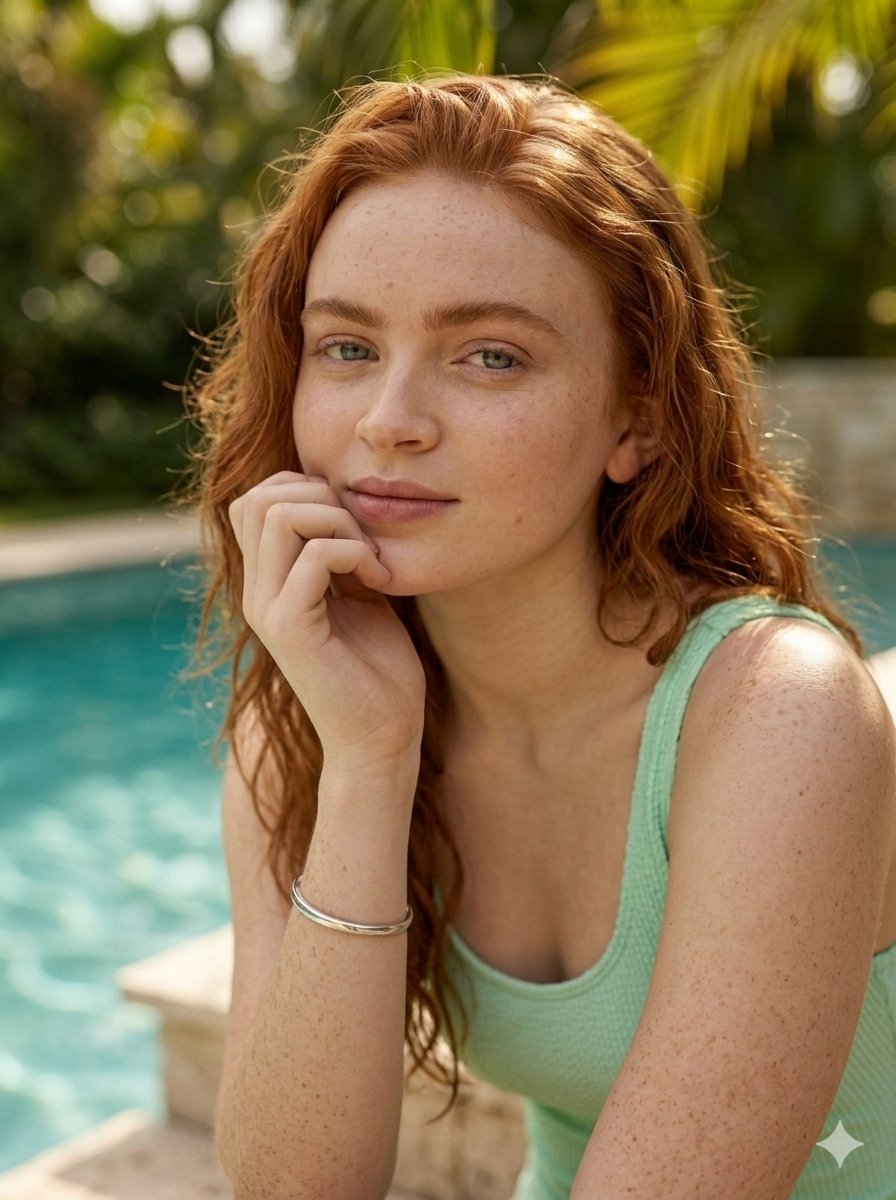
Photorealistic Poolside Portrait with Dappled Light
A photorealistic prompt for generating a high-end fashion or lifestyle portrait of a young woman with red hair sitting b…